Free AI Graduation Ceremony Video Maker
Cap toss reveals, campus tributes, achievement moments — for grads, families, and universities.
Make a video — freeFirst effect freeAbout 1–2 min
Make one about you

Hug your younger self
A child version of you walks in. You hug. Everyone cries.
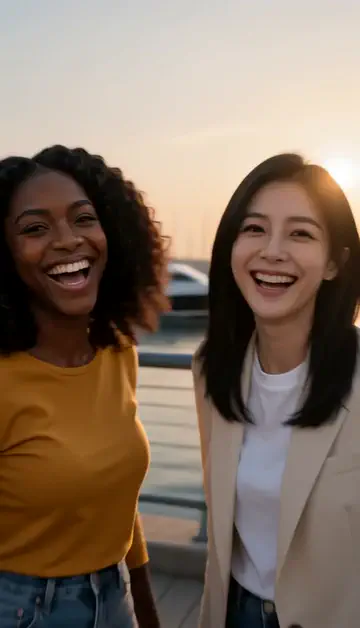
Best friends reunion
You spot each other across the marina. High five.

Arrive over Dubai
Rooftop at sunset, Burj Khalifa behind you, drone pulling back.
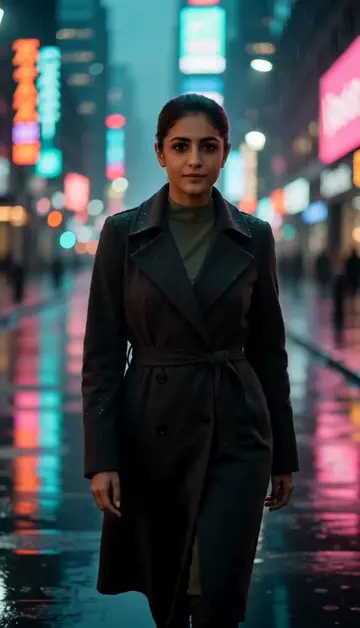
Neon night walk
Rain-soaked street, neon reflections, slow motion.
Try one of these descriptions
Slow-motion graduation cap toss, group of grads cheering in blue caps and gowns, sunlit campus, achievement moment.
Use this description
Graduate receiving diploma on stage shaking dean's hand, proud smile, formal ceremony aesthetic.
Use this description
Graduate hugging proud family after ceremony, emotional tears of joy, soft natural light.
Use this description
Ready in a minute or two
About 1–2 minutes from description to finished clip
Cinematic quality
Smooth camera moves, sound included
First free
Try an effect before you sign up
Common questions
Can I upload my own photo?
Commercial use allowed?
Do I need an account to try it?
Can I use a photo of my face?
How long does a clip take?
Can I use my clips commercially?
No subscription. Credits never expire.