Try AI Video Without Signing Up, While Today's Free Clips Last
Every day Peeka gives guests a set number of free effect clips: pick an effect, add one photo, no account or card. When today's are gone, sign up free and get 10 credits, enough for one standard clip.
Try an effect freeFirst effect freeAbout 1–2 min
Make one about you

Hug your younger self
A child version of you walks in. You hug. Everyone cries.

Best friends reunion
You spot each other across the marina. High five.

Arrive over Dubai
Rooftop at sunset, Burj Khalifa behind you, drone pulling back.
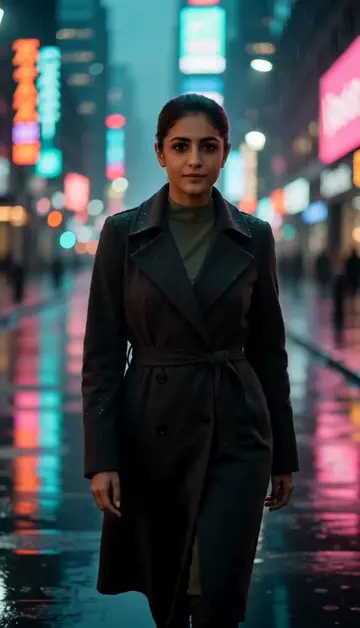
Neon night walk
Rain-soaked street, neon reflections, slow motion.
Try one of these descriptions
Person walking along beach at golden hour, calm waves, palm trees, soft warm light, cinematic 4K aesthetic.
Use this description
Aerial drone shot over modern city skyline at night, glowing lights, dramatic blue hour, energetic urban aesthetic.
Use this description
Slow-motion close-up of a cute kitten yawning, soft sunlight, cozy intimate atmosphere, joyful pet content.
Use this description
Slow-motion drizzle of honey onto a stack of pancakes, golden warm light, satisfying food-porn close-up aesthetic.
Use this description
Swirling liquid colors — purple, gold, magenta — slowly mixing, hypnotic abstract aesthetic, dreamy.
Use this description
Free guest clips every day
While today's last: pick an effect, add a photo. No email, no card.
A real clip
A real 5-second clip with sound. Free guest clips carry a small mark.
10 credits when you sign up
Enough for one standard clip with your own description
No subscription
AED packs, credits never expire, and failed generations are refunded automatically
Common questions
Really no signup?
What is the catch?
Watermark on free video?
Do I need an account to try it?
Can I use a photo of my face?
How long does a clip take?
Can I use my clips commercially?
No subscription. Credits never expire.